Go to the namecheap hosting control panel.
Create a subdomain
Don’t share the document root, create a new one
Protect this directory with password
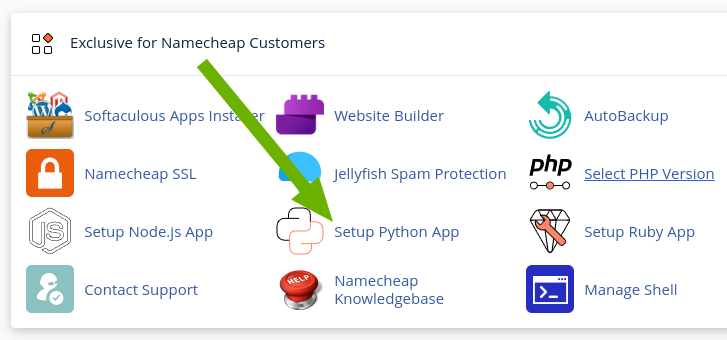
Click ‘Setup Python App’
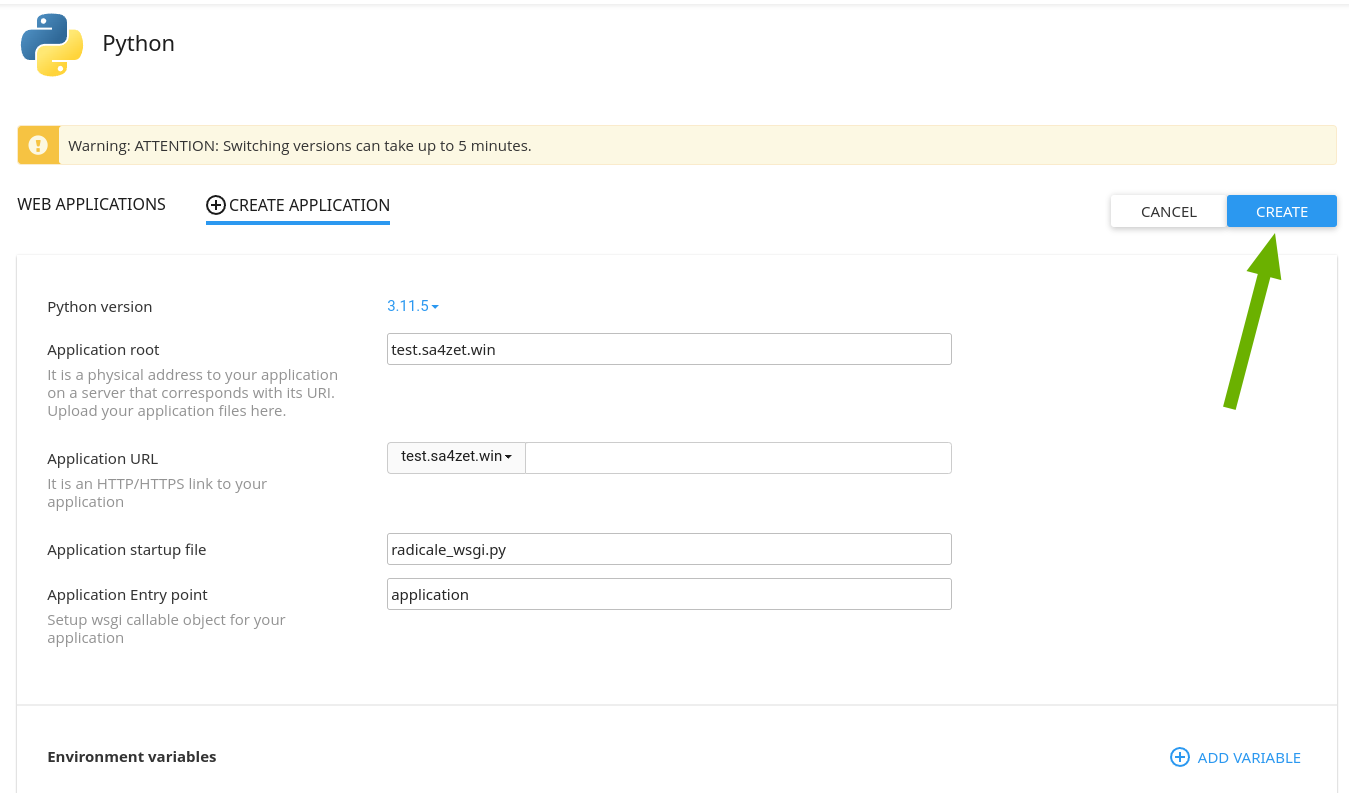
Click ‘Create Application’

Fill the form
- Python version should greater than 3.11
- Application root is a relative path to your home directory
- Application URL is where you want to host Radicale
- Application startup file:
radicale_wsgi.py - Application Entry point:
application
Click ‘Create’
How to access a hosting account via SSH
Virtualenv
SSH into the host and activate the virtualenv. You can copy the activation shell command from the namecheap website.

source /home/rooot/virtualenv/test.sa4zet.win/3.11/bin/activate && cd /home/rooot/test.sa4zet.win
Install Radicale
pip install radicale
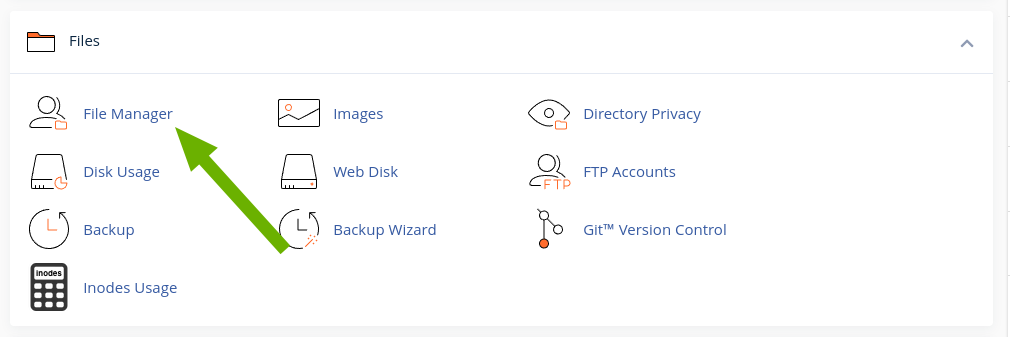
Run File Manager
Edit radicale_wsgi.py
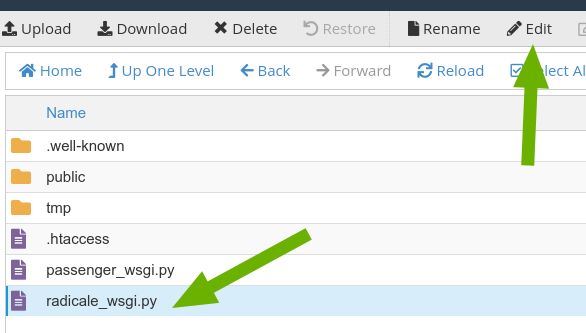
Customize the content below according to your configuration and save it.
from radicale import Application, config

application = Application(config.load([("/%YOUR HOME%/%YOUR SUBDOMAIN%/config", False)]))
Restart the python application
